
We rely on our phones, tablets, computers, smart TVs, and connected devices every day. Whether you’re checking email, paying bills online, working from home, or staying in touch with family and friends, your devices often contain valuable personal information. One of the simplest ways to help protect that information is by keeping your devices and apps up to date.
What Do Updates Actually Do?
When software developers release updates, they often include more than just new features or design changes. Many updates contain important security fixes that address vulnerabilities discovered since the last version was released.
Cybercriminals are constantly looking for ways to exploit outdated software. When a security flaw is identified, manufacturers work to fix it as quickly as possible and distribute that fix through an update. If a device or app isn’t updated, it may remain vulnerable to known threats.
Think of updates like routine maintenance on your vehicle. While everything may seem to be working fine today, taking care of small issues early can help prevent bigger problems down the road.
Which Devices Should You Update?
Many people think only their computers need updates, but nearly every connected device benefits from regular maintenance, including:
- Smartphones
- Tablets
- Laptops and desktop computers
- Smart TVs
- Gaming consoles
- Smart home devices
- Streaming devices
- Routers and Wi-Fi equipment
Apps should also be updated regularly, especially those that store personal information, such as banking apps, social media platforms, email programs, and shopping applications.
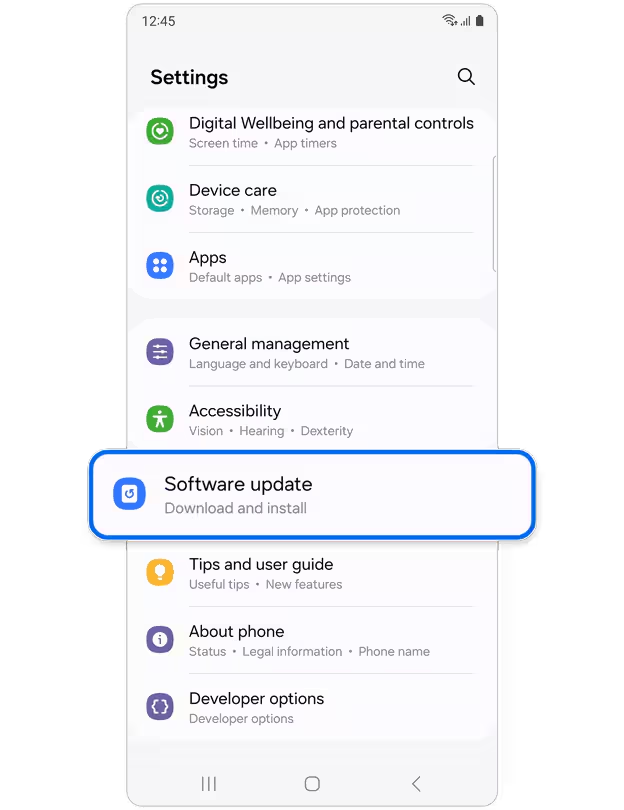
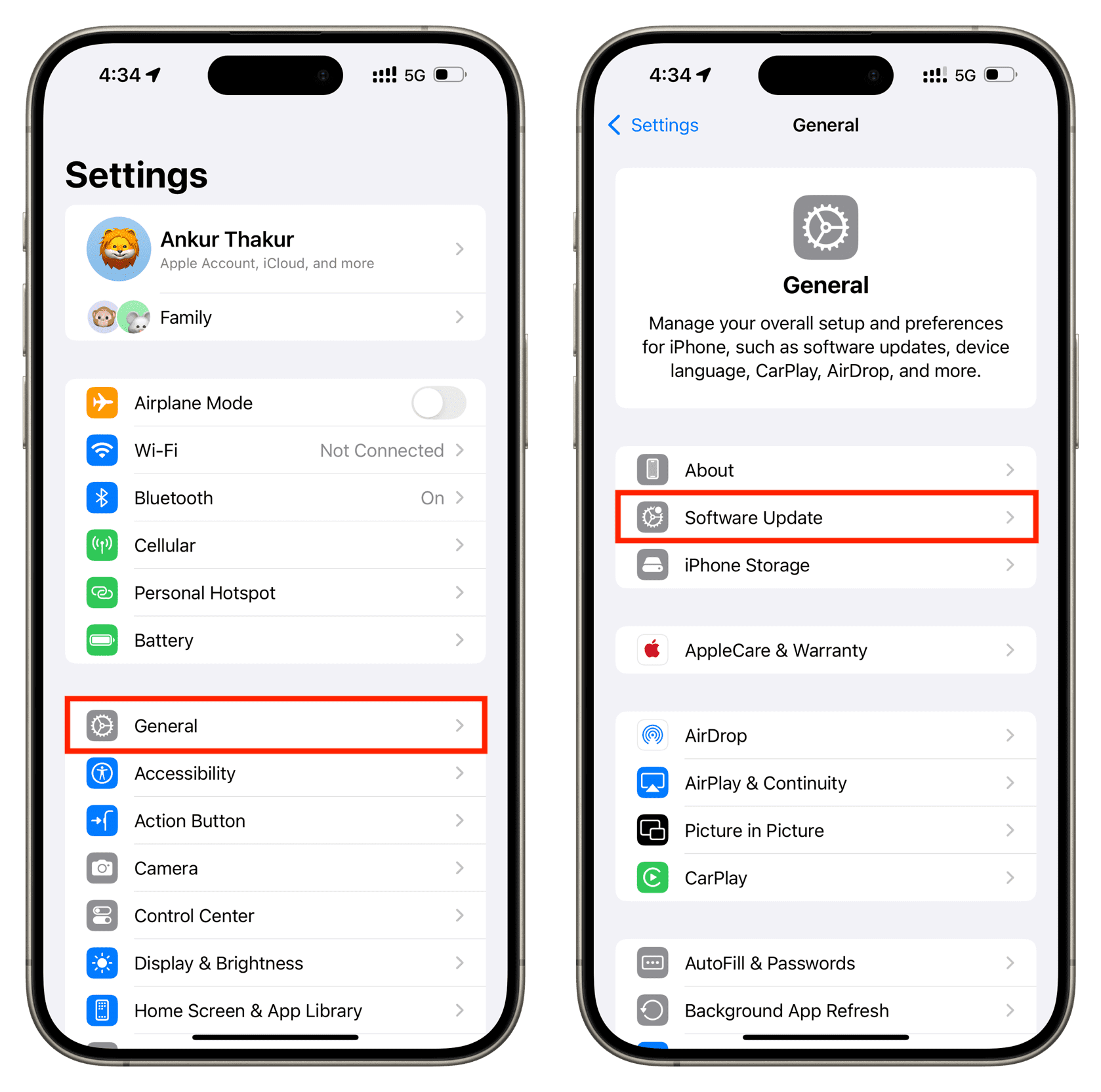
The Risks of Skipping Updates
Ignoring updates may leave your devices exposed to:
- Security vulnerabilities
- Identity theft risks
- Malware and ransomware attacks
- Performance issues
- App compatibility problems
- Device instability or crashes
In many cases, cybercriminals target vulnerabilities that already have fixes available, counting on users who haven’t installed the latest updates.
Make Updates Easier
The good news is that staying protected doesn’t have to be complicated. Here are a few simple habits to adopt:
Turn On Automatic Updates
Most devices and apps allow automatic updates. This is often the easiest way to ensure you receive important security fixes as soon as they’re available.
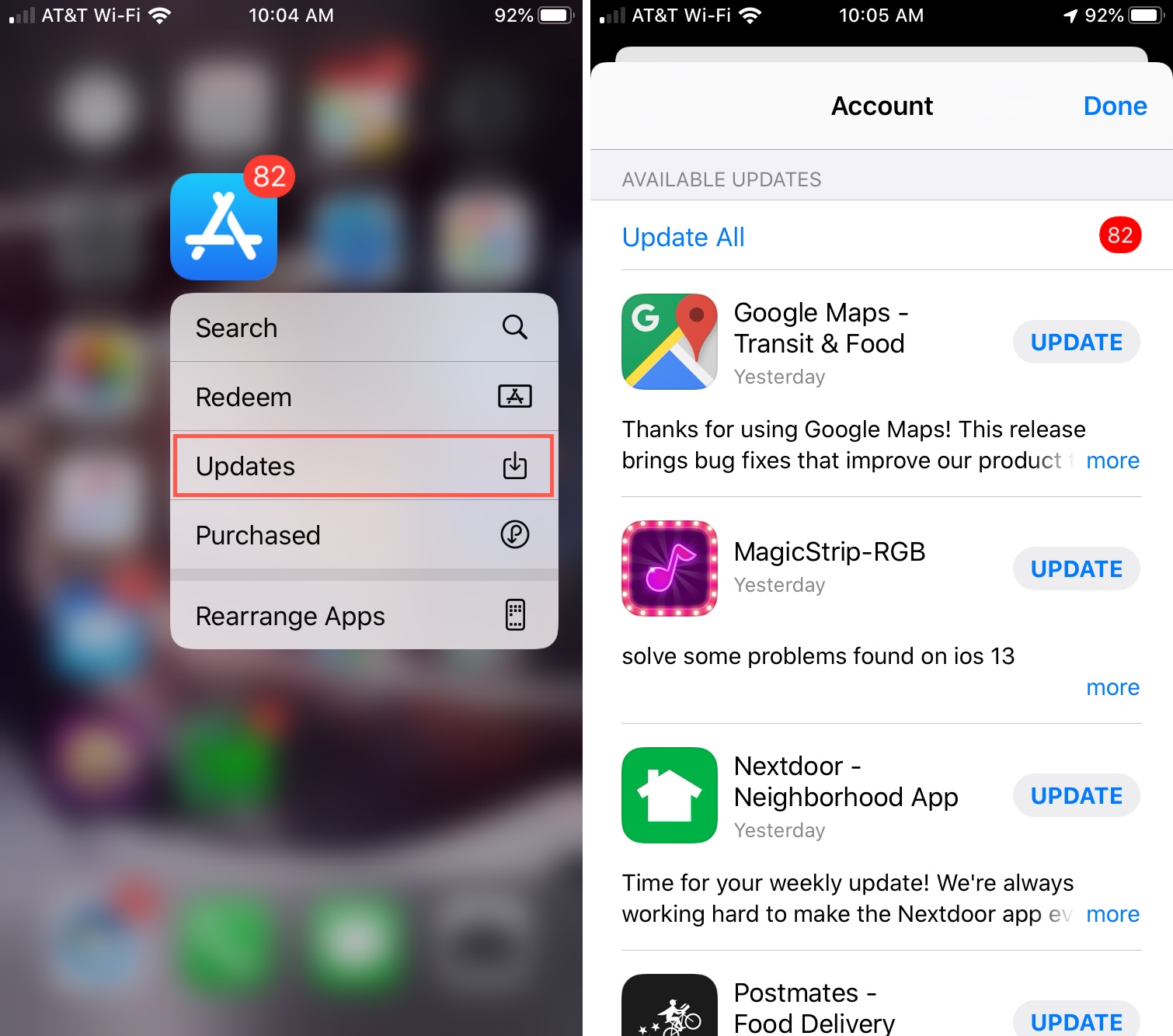
Check for Updates Regularly
If you prefer not to use automatic updates, make it a habit to manually check your devices every few weeks.
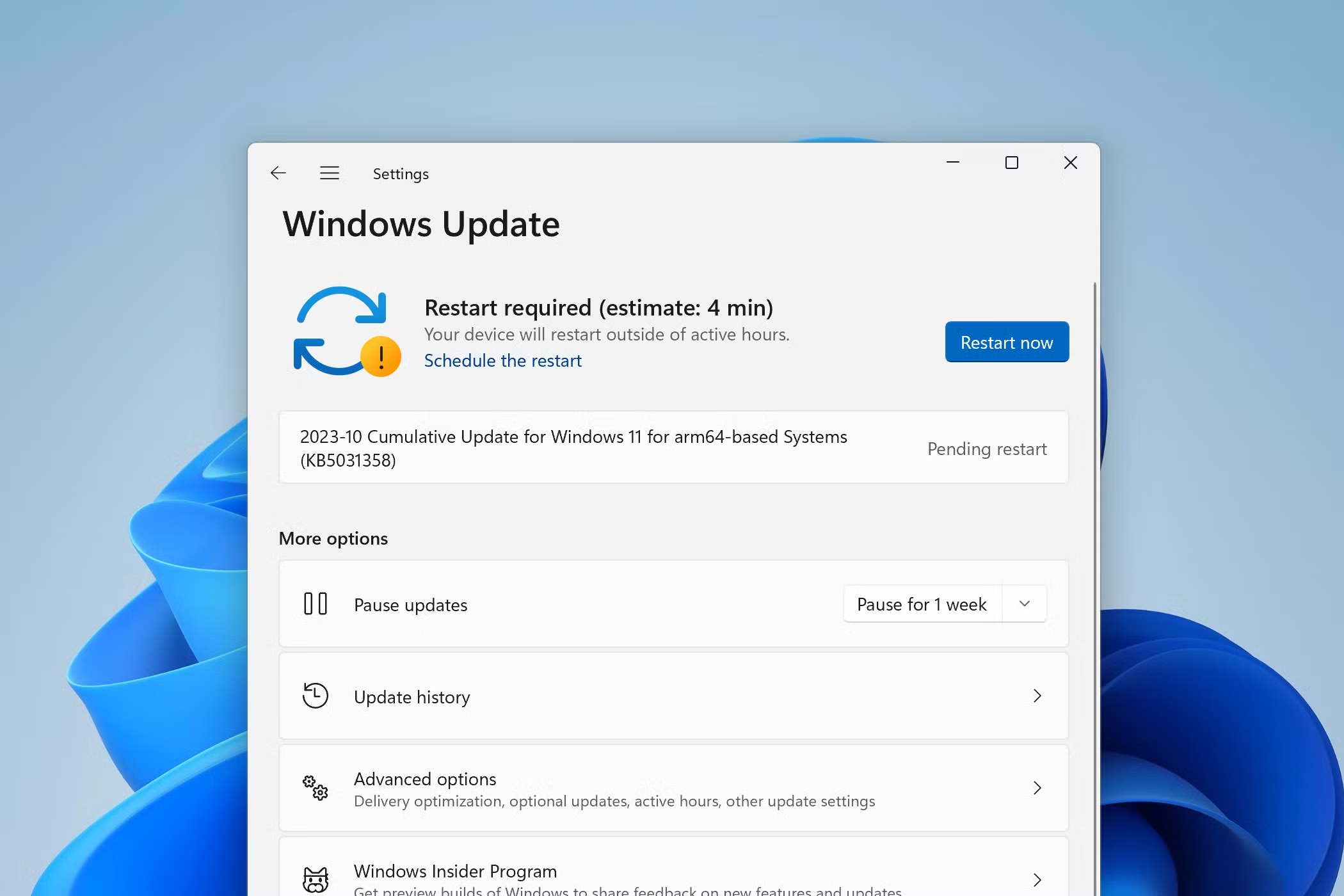
Restart Devices When Prompted
Many updates aren’t fully installed until a device is restarted. If you see a reminder to restart, don’t ignore it indefinitely.
Keep Apps Current
Visit your device’s app store periodically to make sure your apps are running the latest versions.
A Small Step That Makes a Big Difference
Cybersecurity doesn’t always require expensive software or advanced technical knowledge. Sometimes the most effective protection comes from simple habits. Taking a few minutes to install updates can help safeguard your personal information, improve device performance, and reduce the risk of cyber threats.
The next time your phone, computer, or app asks you to update, don’t hit “remind me later” too many times. A quick update today could help prevent a much bigger headache tomorrow.
Cybersecurity Tip: If you’re unsure whether your devices are set to update automatically, take a moment to check your settings. It’s one of the easiest ways to stay a step ahead of online threats.