

Most online security issues don’t start with dramatic warnings. Often, they begin with a small sign that something isn’t right. That’s why it’s important to check your accounts regularly and pay attention to unusual activity. Catching problems early can help prevent bigger issues later.
Common Signs Something May Be Wrong
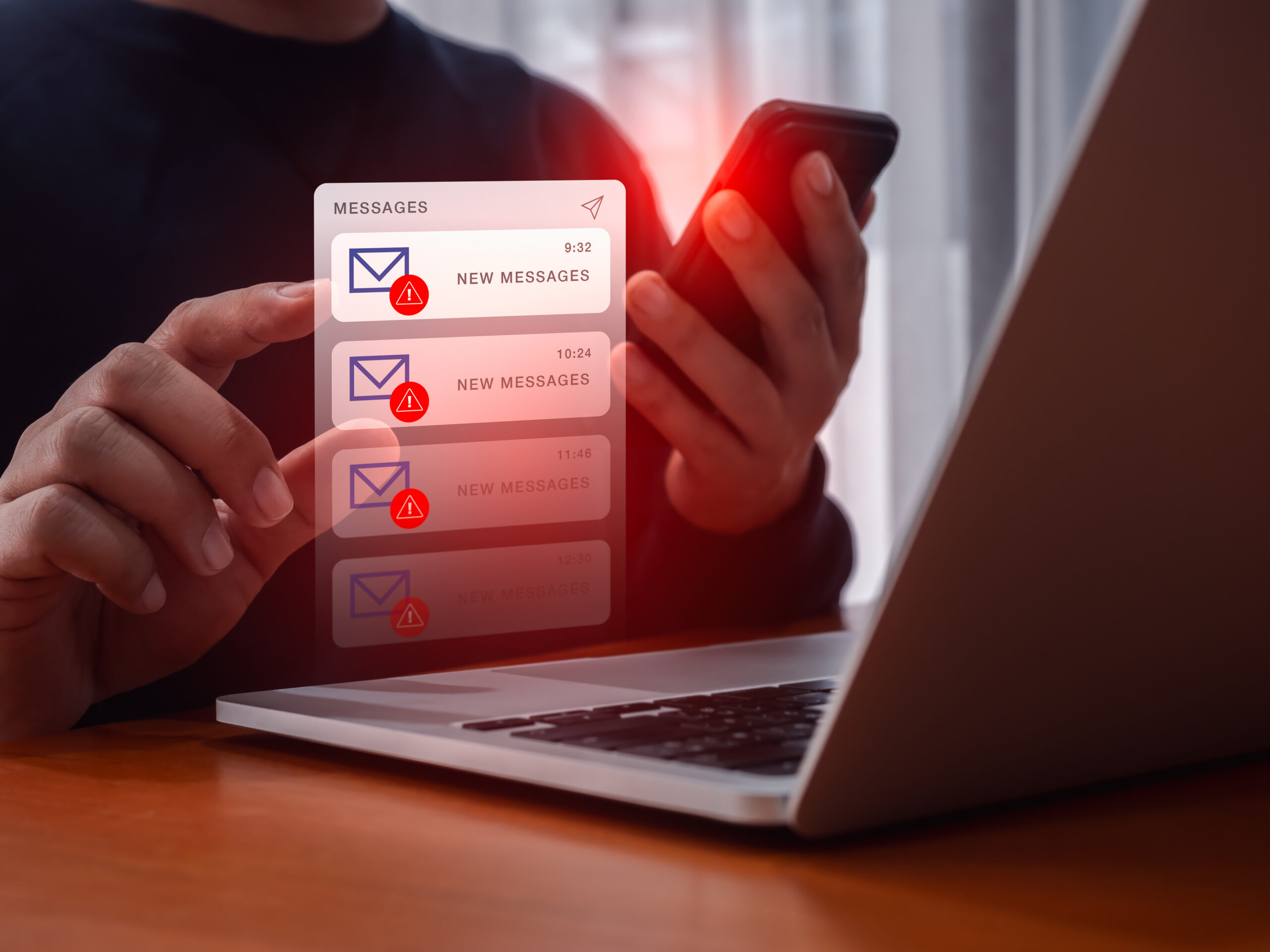
Login Alerts You Don’t Recognize
Many online services send notifications when someone signs in from a new device or location. If you receive an alert for a login you don’t recognize, take it seriously. Unfamiliar sign-ins are one of the most common warning signs of unauthorized access.
Password Reset Emails You Didn’t Request
Receiving a password reset email when you haven’t tried to change your password could mean someone is attempting to access your account.
Unexpected Purchases or Charges
Review your online shopping, banking and payment accounts regularly. Charges you don’t recognize may indicate that account information has been compromised.
Changes to Account Information
Pay attention if your password, recovery email, phone number or security settings change without your approval. These changes can lock you out of your account.
Messages You Didn’t Send
Friends, family or coworkers may tell you they received odd messages from your account. This can be a sign that someone else has gained access.
New Devices Connected to Your Account
Many services allow you to view devices currently signed in. If you notice a phone, tablet or computer you don’t recognize, investigate immediately.
What To Do If You Spot Suspicious Activity
If something doesn’t look right, don’t panic. Follow these basic steps:
1. Change Your Password
Create a strong, unique password that you don’t use anywhere else.
2. Turn On Multi-Factor Authentication (MFA)
MFA adds an extra layer of protection by requiring a second verification step when signing in. PVT’s internet safety materials identify MFA as one of the most effective ways to protect online accounts.
3. Review Recent Activity
Check login history, recent purchases and connected devices. Look for anything unfamiliar.
4. Sign Out of Other Devices
Many services allow you to sign out of all devices at once, helping remove unauthorized access.
5. Contact Your Financial Institution if Needed
If suspicious activity involves money, contact your bank or credit card provider right away.
6. Watch for Follow-Up Activity
Keep an eye on the account over the next several days. Sometimes attackers attempt to regain access after being removed.
A Good Habit That Takes Only a Few Minutes
Checking your accounts doesn’t have to be complicated. Spend a few minutes each month reviewing:
- Bank and credit card activity
- Email account security settings
- Social media login history
- Online shopping accounts
The sooner you spot a problem, the easier it is to fix. Staying alert online is one of the simplest ways to help protect your personal information and your peace of mind.